
Why Does My Thermostat Blink? Common Causes
A blinking thermostat can be easy to dismiss until the house will not heat or cool the way it should. If you are asking, “why does my thermostat blink,” the answer depends on exactly what is flashing: the entire screen, a battery icon, the temperature reading, or a word such as “Cool On” or “Heat On.” Some flashing messages are normal operating delays. Others point to a power, wiring, or HVAC equipment problem that deserves prompt attention.
Before resetting anything, look closely at the display and notice whether your heating or cooling system is running. That small detail can help separate a routine reminder from a service issue.
Why Does My Thermostat Blink? Start With the Message
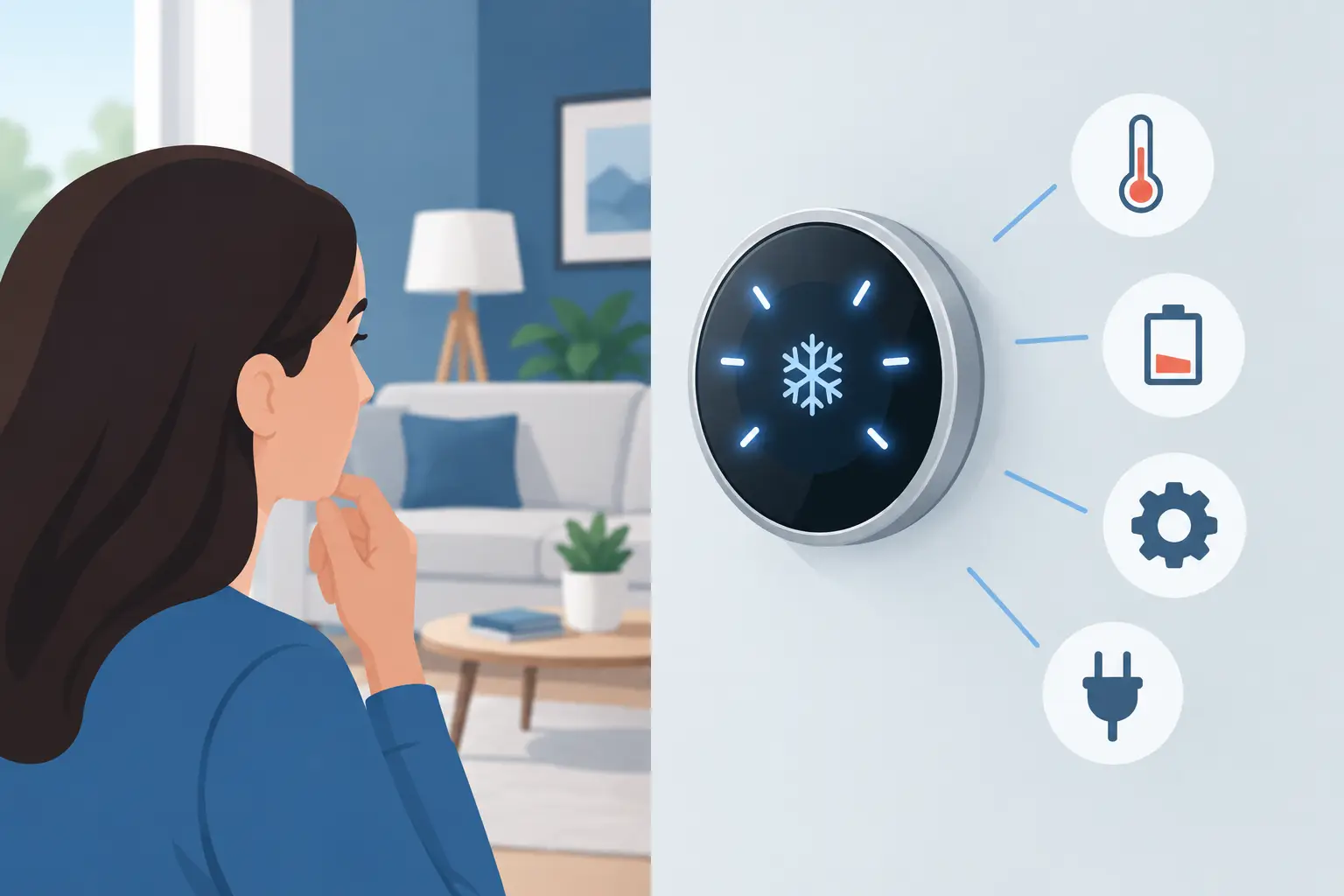
Thermostats do not all use flashing indicators the same way. A smart thermostat may blink while connecting to Wi-Fi or installing an update. A conventional programmable thermostat may flash the clock after a power interruption. Other models flash a system message when they are waiting to start the air conditioner, furnace, heat pump, or boiler.
Check the brand and model number, usually found behind the thermostat faceplate or in the settings menu. The owner’s manual can confirm what a particular symbol means. Still, a few causes are especially common in Maryland homes and commercial properties.
A flashing “Cool On” or “Heat On” message
Many thermostats flash “Cool On,” “Heat On,” or a similar message for several minutes after you change the setting. This is often an intentional compressor-protection delay. Air conditioners and heat pumps should not restart immediately after shutting off, because rapid cycling can damage the compressor.
In most cases, the message stops flashing within about five minutes and the equipment starts normally. Leave the thermostat at the selected setting rather than turning it repeatedly on and off. Repeated changes can restart the delay and make it seem as if the system is not responding.
If the message keeps flashing well beyond the normal delay and the system never starts, the thermostat may not be receiving the proper power signal, or the HVAC equipment may have a safety switch or fault preventing operation.
A low battery warning or blank, blinking display
Battery-powered thermostats commonly flash a battery icon, “Replace Battery,” or the entire display when batteries are weak. Replacing the batteries is a reasonable first step. Use fresh batteries of the correct type, install them in the proper direction, and make sure the thermostat is firmly mounted again.
Some thermostats use batteries only as backup power, while others rely on them for normal operation. A battery change may restore the display but not solve a larger issue if the thermostat should also be receiving 24-volt power from the HVAC system.
A blank or intermittent screen can also indicate a tripped breaker, a blown low-voltage fuse, loose thermostat wiring, or a problem with the furnace or air handler. Do not assume batteries are the answer when the display repeatedly shuts off or the HVAC system has stopped operating.
Power Problems Can Make a Thermostat Flash
Your thermostat is part of a larger control circuit. In many central heating and cooling systems, the furnace or air handler sends low-voltage power to the thermostat. When that power is interrupted, the thermostat may blink, restart, lose its programmed schedule, or go completely dark.
Start with the simple checks that are safe for most property owners. Confirm that the HVAC system switch is on, check the appropriate electrical breaker, and make sure the furnace or air-handler access panel is securely closed. Many systems have a door safety switch that cuts power when the panel is not seated correctly.
A clogged condensate drain can also shut down some air conditioners, heat pumps, and high-efficiency furnaces. During humid Maryland weather, a backed-up drain line may trigger a float switch that stops the equipment to help prevent water damage. The thermostat may continue to call for cooling while the indoor unit cannot run.
If a breaker trips again after being reset, leave it off and schedule service. A recurring trip can indicate an electrical short, failing motor, compressor issue, or another condition that should be diagnosed by a licensed HVAC technician.
A Blinking Thermostat May Signal an HVAC Safety Lockout
Modern furnaces, heat pumps, boilers, and air handlers include safety controls designed to stop operation when something is wrong. Depending on the system, a dirty filter, ignition failure, overheating condition, drainage problem, frozen coil, or pressure-related fault can place the equipment in a lockout state.
The thermostat may appear to be the problem because it is where you see the flashing message. In reality, it may be communicating that the equipment cannot complete its startup sequence. This is especially likely when the thermostat display looks normal but no warm or cool air reaches the rooms.
For example, a furnace that starts and stops several times without producing heat could have an ignition or flame-sensing issue. An air conditioner that causes “Cool On” to flash indefinitely may have a tripped float switch, failed contactor, low-voltage problem, or outdoor-unit issue. These are not good situations for repeated resets. Resetting equipment without identifying the cause can mask a problem temporarily and increase the chance of further damage.
Smart Thermostats Have a Few Extra Reasons to Blink
Wi-Fi thermostats add useful features, but they also add connection and software notifications. A blinking light may indicate setup mode, a lost network connection, an update, or an alert from a connected sensor. If the display is otherwise working and your HVAC system responds normally, review the thermostat app or on-screen notifications before assuming there is an equipment failure.
Power requirements matter with smart thermostats. Many need a dedicated common wire, often called a C-wire, for stable power. Without one, a thermostat may try to draw small amounts of power through other control wires. That can lead to flickering, frequent reboots, Wi-Fi disconnects, or unusual system behavior.
A professional can verify the wiring and determine whether a C-wire adapter, new thermostat cable, or a different thermostat is the right solution. The best option depends on your existing equipment and controls. Older boilers, multi-stage systems, heat pumps, zoning panels, and commercial systems often need a more careful compatibility check.
What You Can Safely Check Before Calling for Service
A few basic observations can make a service call faster and more accurate. First, note the exact message or symbol on the thermostat. Next, check whether the indoor blower, outdoor unit, or heating equipment starts at all. Finally, see whether the air filter is visibly clogged and whether there is water around the indoor unit.
You can replace thermostat batteries, confirm the thermostat is set to the correct mode, and make sure the temperature setting is calling for heating or cooling. For cooling, set the target temperature several degrees below the current room temperature. For heating, set it several degrees above. Then allow the normal startup delay to pass.
Avoid pulling out wires, bypassing safety switches, opening sealed equipment compartments, or repeatedly flipping breakers. Those steps can create electrical risk, damage controls, or make a professional diagnosis more difficult.
When a Blinking Thermostat Needs Immediate Attention
Schedule HVAC service promptly if the display continues flashing after fresh batteries and a normal waiting period, or if the thermostat repeatedly loses power. You should also call for help if the system will not heat or cool, a breaker keeps tripping, you smell burning, hear loud buzzing, see water around equipment, or notice ice on refrigerant lines or the indoor coil.
For gas heating equipment, leave the building and contact the gas utility or emergency services if you smell gas. Do not attempt to operate the thermostat, switches, or appliances in that situation.
For property managers and business owners, a blinking thermostat can be more than a comfort complaint. It may affect tenant conditions, sensitive inventory, server rooms, or operating hours. Addressing a control issue early can help prevent an after-hours breakdown and protect the larger HVAC system.
Bethany Air provides reliable thermostat and HVAC diagnostics for homeowners and businesses that need clear answers, transparent pricing, and responsive service. An experienced technician can determine whether the issue is a simple thermostat setting, a wiring concern, or an equipment fault that needs repair.
A thermostat should give you a clear signal about your comfort, not another mystery to manage. Take note of what is blinking, give normal startup delays time to finish, and get professional help when the system does not respond as it should.
